THC-1 - TORCH HEIGHT CONTROL
MAY 2023
TABLE OF CONTENTS
1.0 OVERVIEW
This
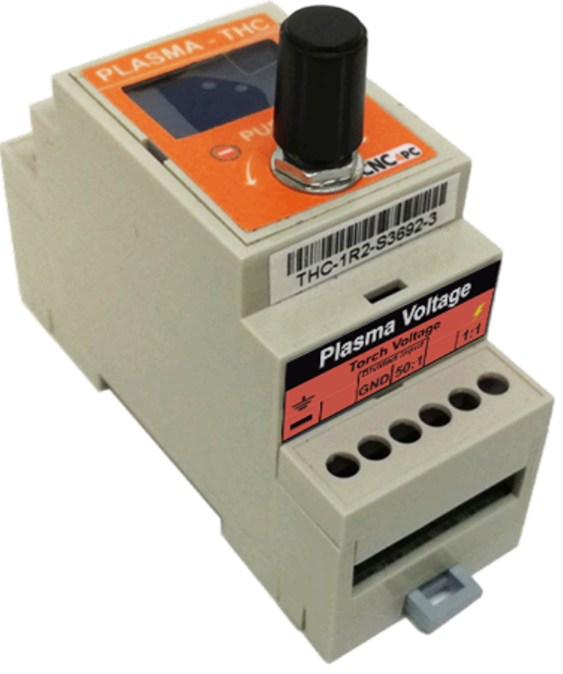
module allows controlling the height the plasma torch head relative to work
piece during plasma CNC operation, it supports either raw torch head voltage or
an input of 0-10VDC, the ARC OK, UP and DOWN outputs are isolated.
2.0 FEATURES
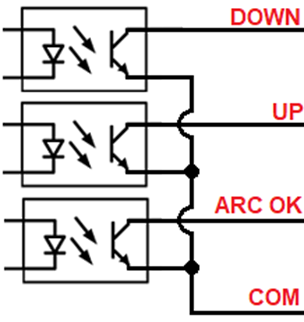
- Open collector to optoisolated output working at 5 to 24VDC.
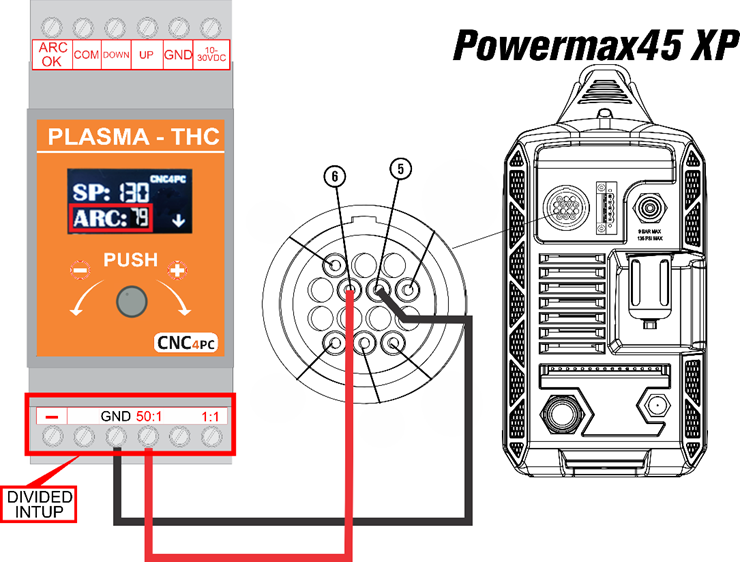
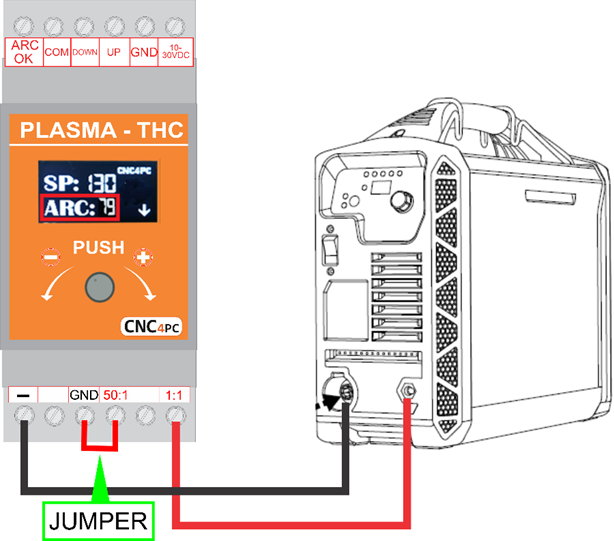
- Built-in Voltage Divider for connecting to the voltage on the torch or can use the 0-10VDC from a voltage divider from the plasma.
- LCD Screen.
- 10 to 30VDC Power Terminal (+24 Typical).
- Isolated Power Connection.
- Din Rail Mountable.
- Divider input.
3.0 DESCRIPTION
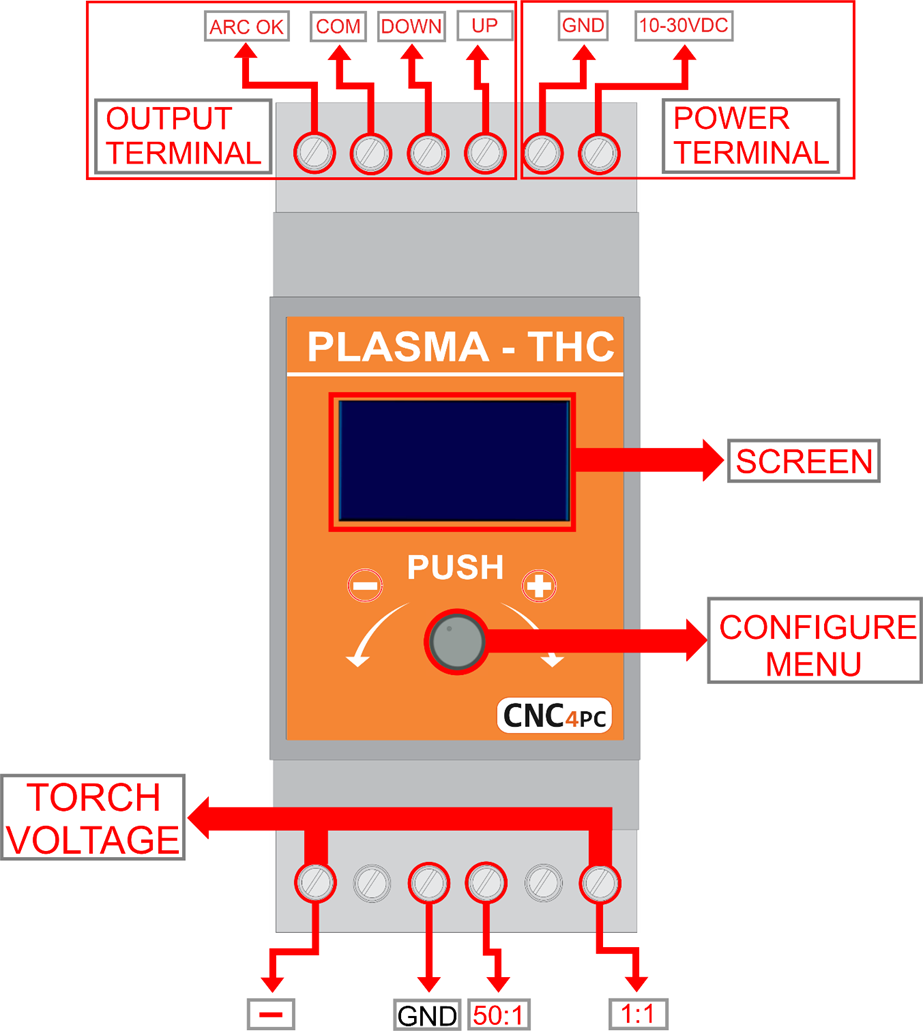
4.0 TERMINAL BOARD
4.1 POWER
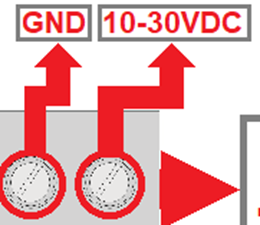
Requires a 10 to 30VDC at 100mA Power Supply, “This board is electrically isolated through a DC-DC converter.”
4.2 DIVIDED INPUT
4.3 TORCH VOLTAGE
4.4 OUTPUT SIGNALS
Voltage applied can be from 5 to 80VDC@50mA, outputs signal optoisolated Open Collector.
5.0 CONFIGURE MENU
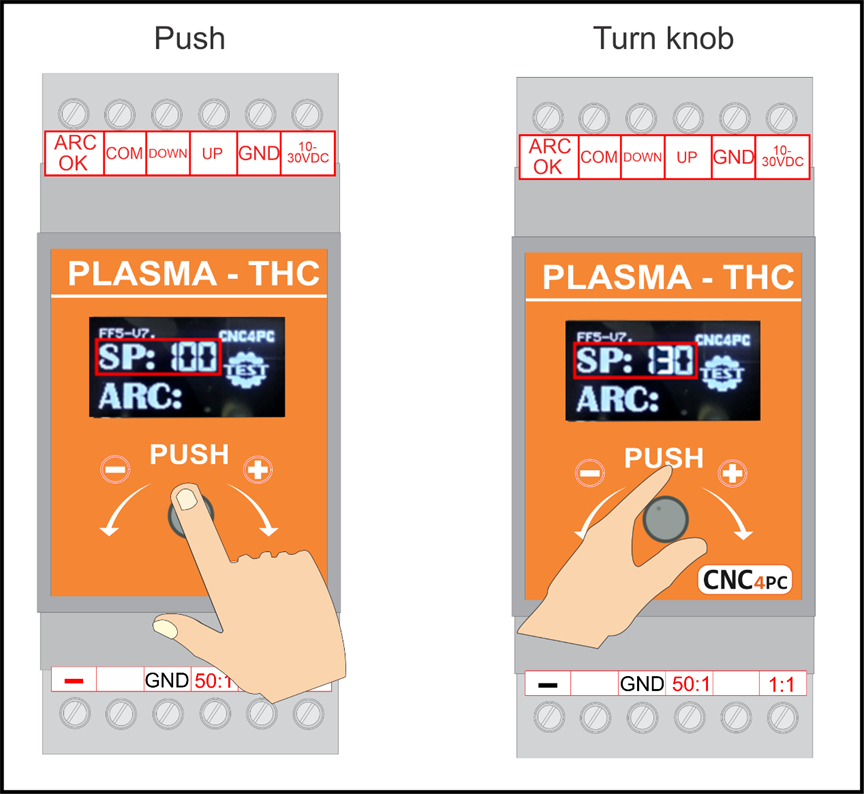
- Push the knob to enter configuration mode.
- Navigate through the configuration menu by pressing the knob.
- Turn the knob to adjust the value.
- Push the knob to set the value and navigate to
the next parameter or until you reach the run mode.
6.0 DESCRIPTION SCREEN
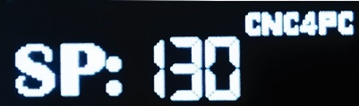
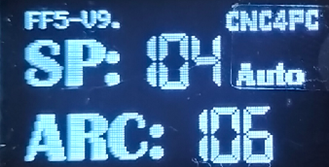
6.1 SET POINT (SP)
SP is the target voltage to be achieved.
6.2 VOLTAGE ARC (ARC)
Limit from 40 to 400VDC, True Voltage measured at the terminals or the voltage divider.

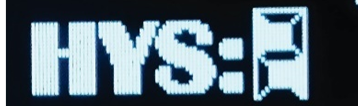
6.3 HYSTERESIS (HYS)
This is the voltage range that you are allowed before sending correction signals. Adjustment signals are sent if the voltage is the hysteresis amount below or above the set point voltage. If the set point voltage is 100 volts and a hysteresis is set to 2, then DOWN signals will be sent if the voltage reaches 103 volts or above, and UP signals will be sent if the voltage reaches 97 volts or below. The correction signals are sent until the set point is achieved.
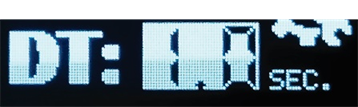
6.4 DELAY TIME (DT)
Torch motion starts the number of seconds you set as DT after the ARC signal is determined. This can be a value between 0.1 to 9.9 seconds.
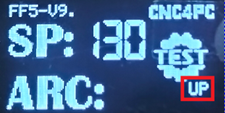
6.5 TEST MODE (TEST)
- Press the knob three times to enter test mode.
- Turn the knob up or down to adjust the spindle's movement.
- To exit test mode, press the knob once.
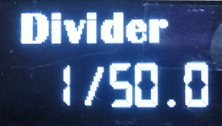
6.6 DIVIDED VOLTAGE CONFIGURATION
- Press the knob three times to enter the setting mode
- Turn the knob to adjust the value.
- Press the knob to set the split voltage
- This setting can also be used to fine-tune the voltage read.
6.6 ANALOG SMOOTING
This data smooths the voltage reading. This can be a value between 0 and 3.

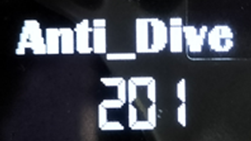
6.7 ANTI-DIVE
If the plasma torch moves over space, the THC will see it as a voltage spike. Setting a max voltage value will allow the THC to ignore the voltage spike and prevent the torch from dying. This can be a value between 50 and 300V.
6.8 AUTO_SETPOINT
Automatically establishes the Set Point based on the cutting height that is set. The set point is calculated by measuring the true voltage for a couple of seconds after the delay time (when it starts cutting, then setting this voltage as the set point or target voltage.

If auto_SetPoint is activated, the knob is disabled and the word Auto is displayed on the screen
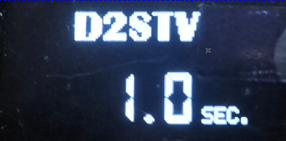
6.9 DELAY TO SAMPLE TARGET VOLTAGE (D2STV)
When using the Auto Set Point option, you can configure a delay before starting to take the sample reading. This allows the torch voltage to become stable when it starts cutting.
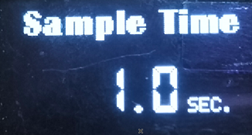
6.10 SAMPLE TIME
This is the time that it is going to take to read the voltage that is going to be used to determine the Suto Set Point.
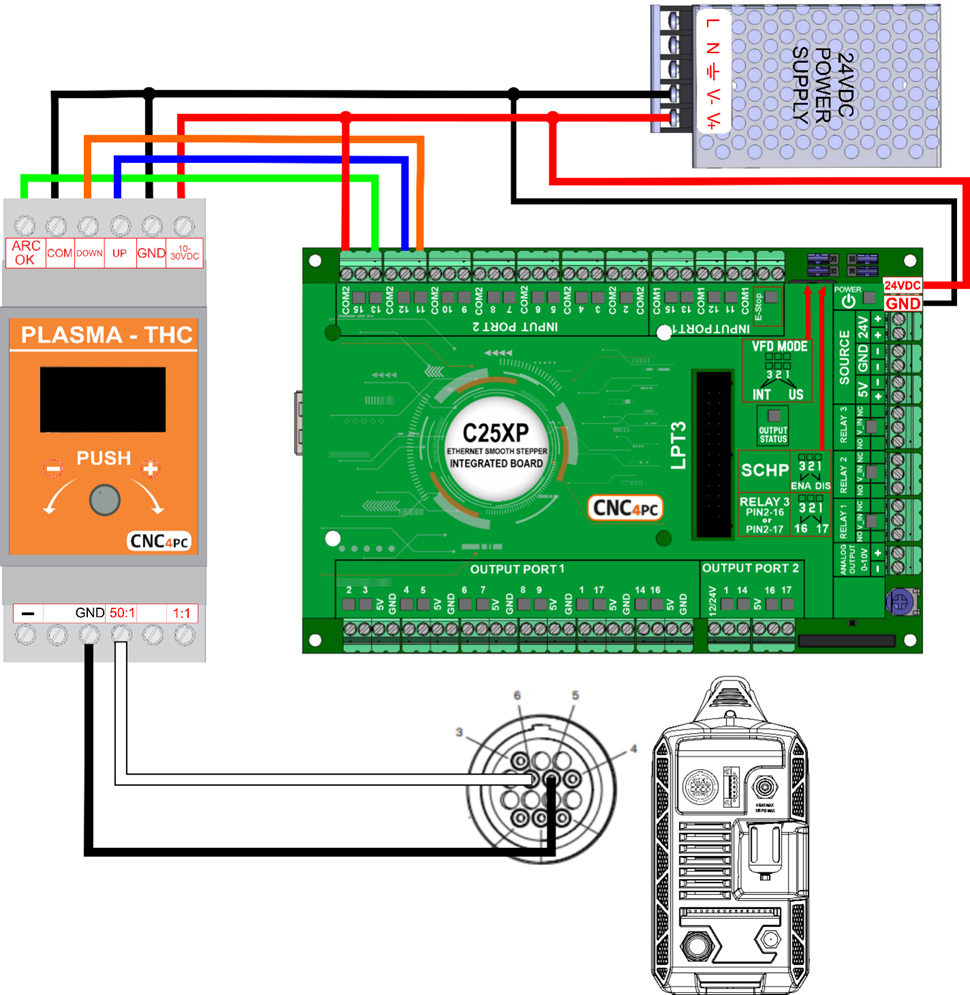
7.0 WIRING SAMPLE