C22M1 Automatic Installation Pendant with Mach4
Used software: Mach4 4.2.0.4612, PLUGINS ESS V275
Used hardware: C82 R4 and C22M1 R1.
These instructions work on any board used with Mach4
STEP 1: On many systems, MS Windows can recognise the USB drivers, but if not, you can download them from here: https://cnc4pc2.s3.us-east-2.amazonaws.com/productattachments/files/Driver_FT232_USB_UART.zip
STEP 2: Connect the C22M1 to the USB port. Right-click on the USB Serial port, and Select 'Update Driver Software'.

STEP 3:

STEP 4:

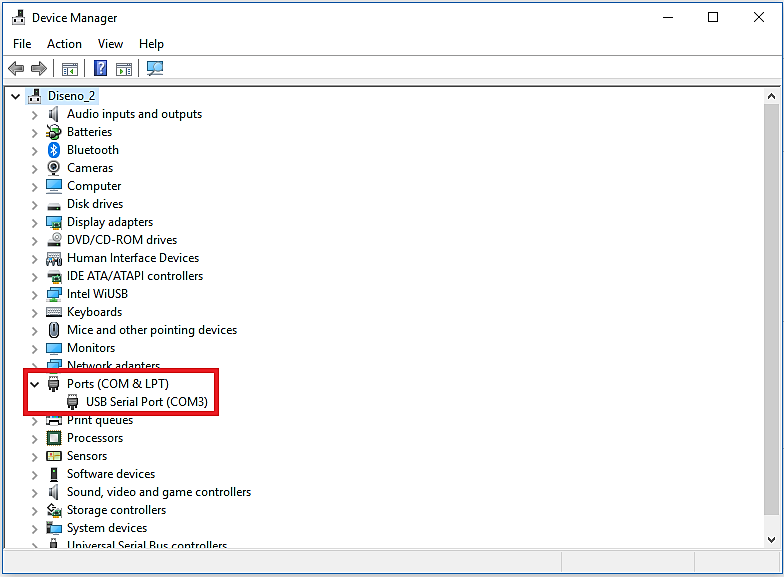
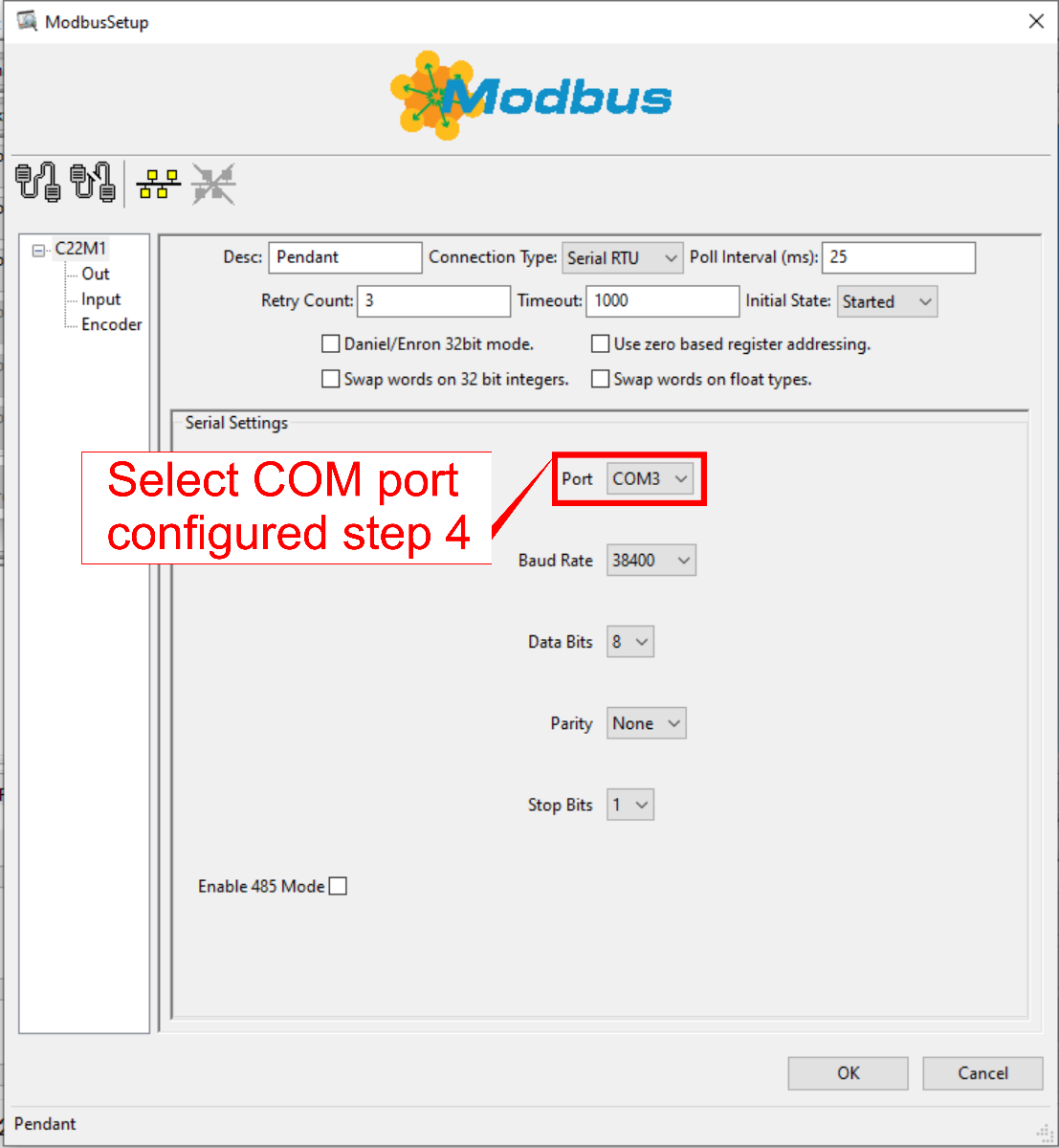
This COM port will be used to configure the Modbus port
STEP 5: Download the installer :
https://cnc4pc2.s3.us-east-2.amazonaws.com/productattachments/files/M4-C22M1-MPG-6X_V1.0.0.0.zip
If you prefer to configure this manually, you can follow these instructions
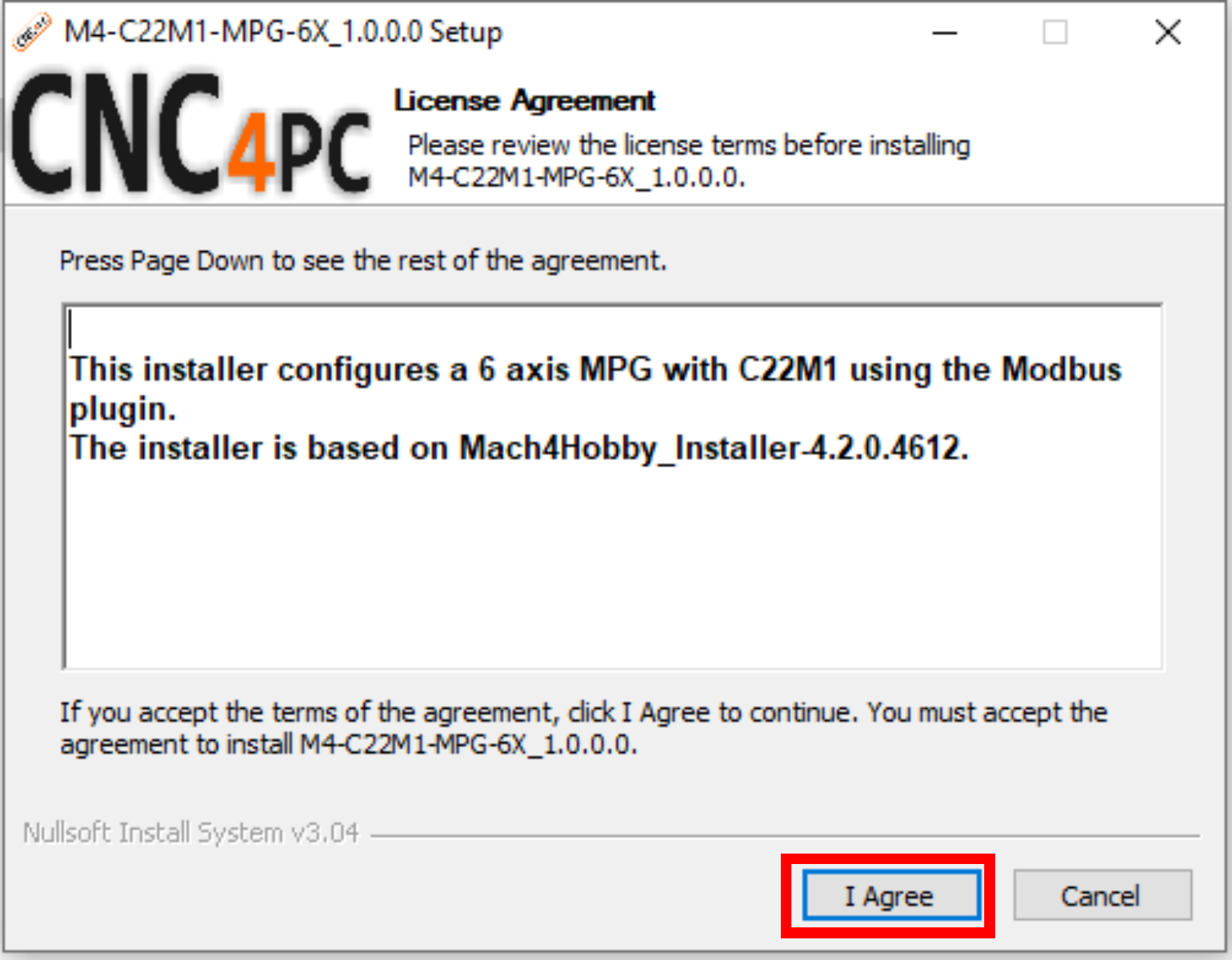
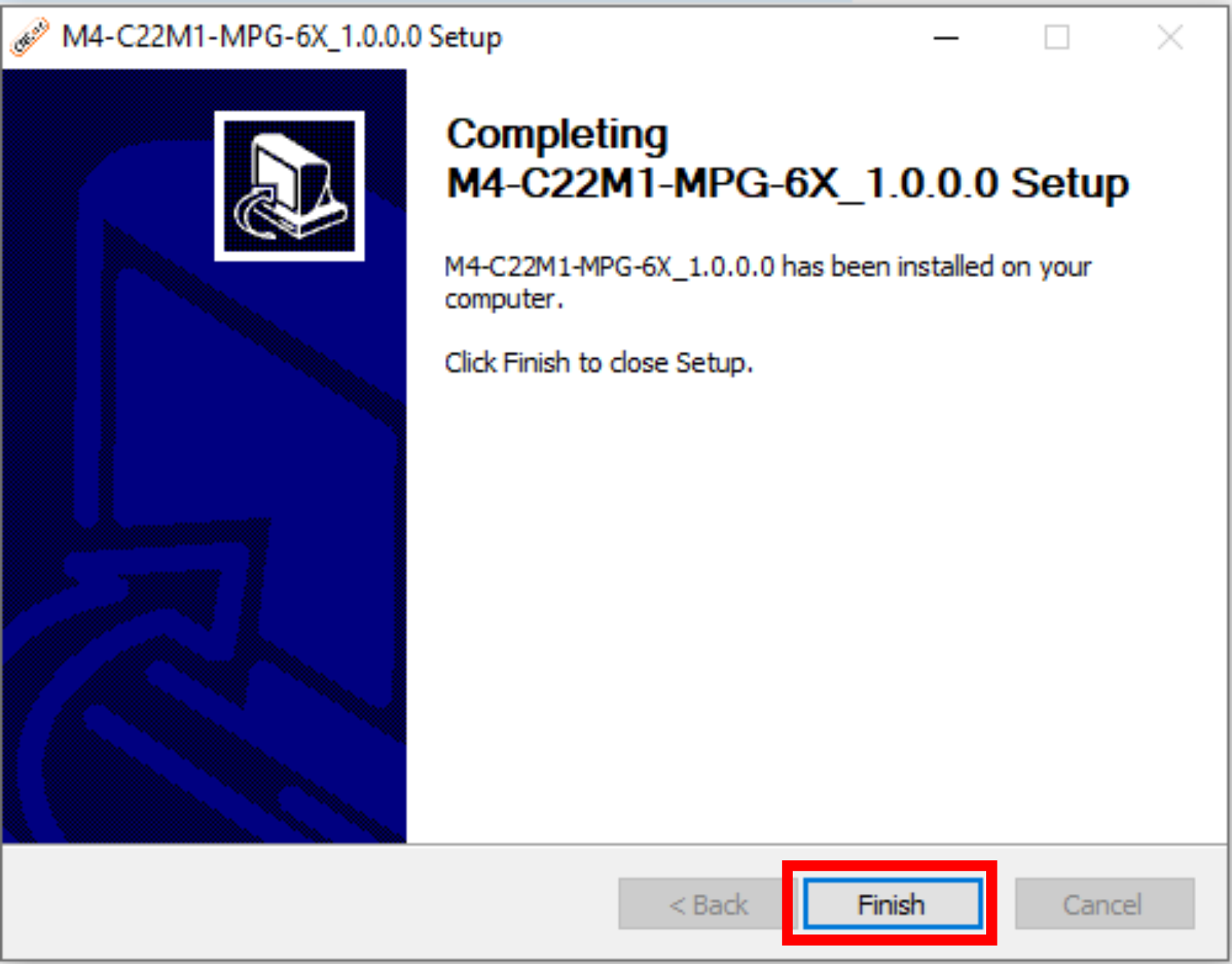
STEP 6: Run the installer to configure Mach4 and the plugin:
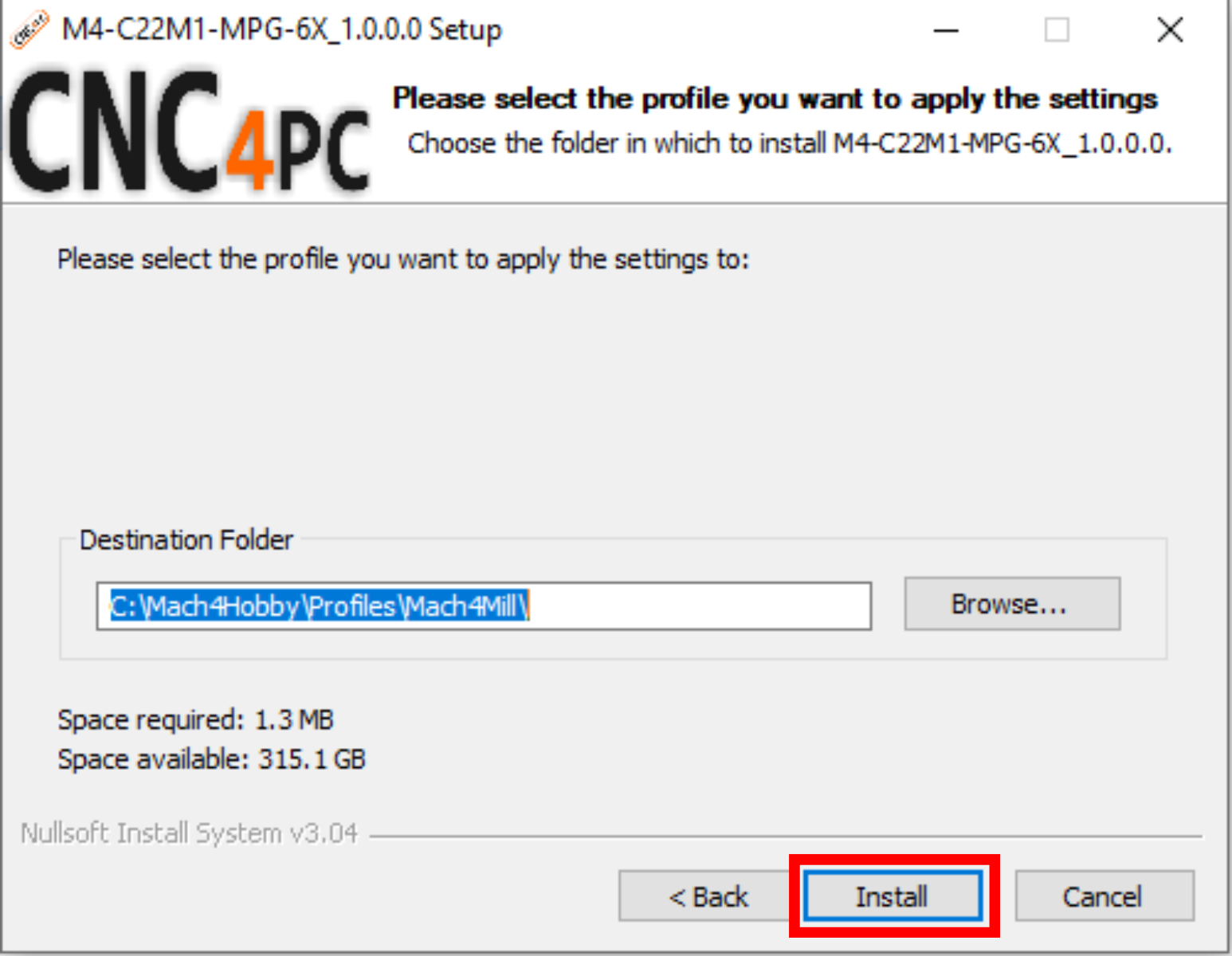
STEP 7: Select the profile to configure and press install.
STEP 8: MACH4.
Configure/Plugins/Modbus